Point your phone at the plant.
Get the diagnosis.
Get help understanding your cannabis plant from a photo: its growth stage, how it looks, possible problems, and what you can do. Check the advice before making changes.
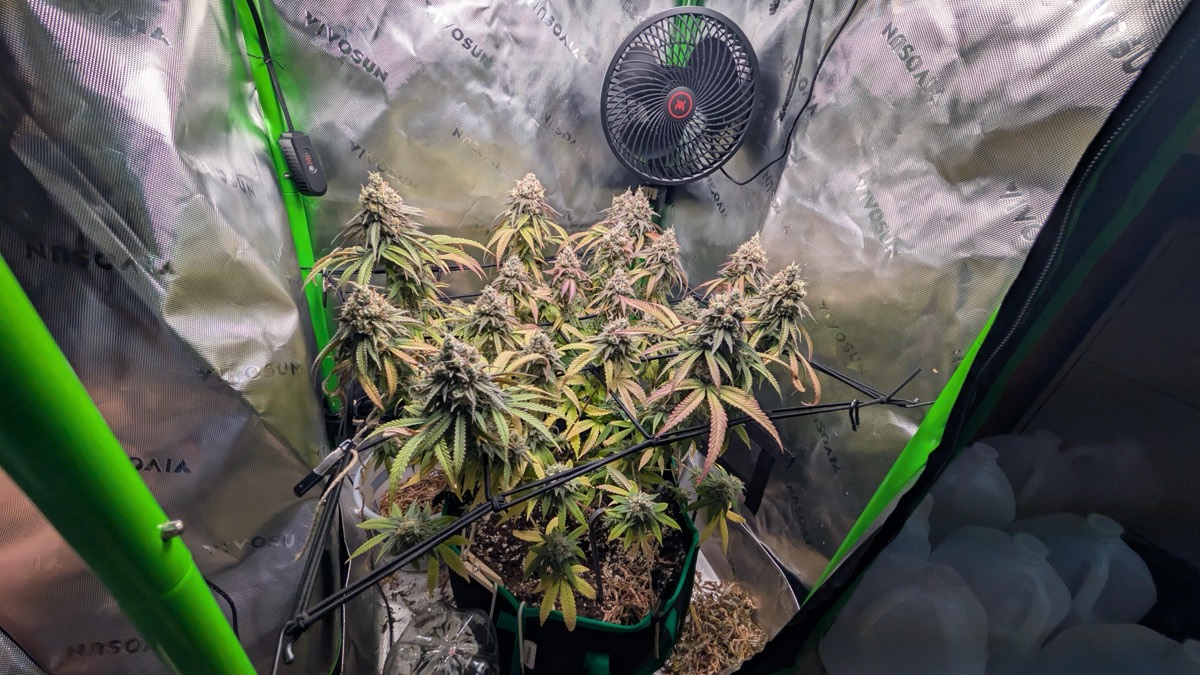
Advice in four easy-to-find sections.
Start with what the photo suggests, then check your growing conditions. A photo alone cannot tell the whole story.
Growth stage
Is it a seedling, growing leaves, flowering, or nearing harvest? Any week estimate is only a guide.
How it looks
A summary of the plant's visible condition, including signs of healthy growth or stress.
Possible problems
Visible signs of too little plant food, pests, disease, or heat and light stress. These are possible causes, not confirmed answers.
What you can do
Steps to consider, such as checking temperature, humidity, light hours, nutrient strength, and pH (how acidic or alkaline your water or soil is).
From a clear photo to a next step.
Give GrowDoc a useful view of your plant, add anything the photo cannot show, and review the suggestions before acting.
Show the whole plant
Use a clear photo in natural light. Include the affected leaves and the whole plant when possible.
Add what changed
Tell us about recent watering, feeding, or changes to your lights. You can also ask a specific question.
Check your photo
Open the app and choose Check plant. The examples on this page are prewritten; they do not check your plant.
Read the suggestions
See the suggested growth stage, visible condition, possible problems, and steps you can consider.
Check before you act
Compare the advice with your growing conditions. If the cause is unclear, get another opinion before changing treatment.
A photo is a starting point.
GrowDoc offers suggestions, not a guaranteed diagnosis. Similar-looking symptoms can have different causes.
| What to check | Why it matters |
|---|---|
| Watering | Too much or too little can look similar. |
| Plant food | Check what you used and how much. |
| Light and temperature | A photo cannot measure them. |
| Recent changes | Symptoms may take time to appear. |
When to get another opinion
If symptoms spread, the advice does not fit, or you are unsure what caused the problem, ask an experienced grower.
Do not treat a suggested growth stage as proof that a plant is ready to harvest.
Check your growing conditions before changing treatment.Open GrowDoc on your phone.
Use GrowDoc in your browser. Your photos and questions are checked on this computer, not sent to another service for advice.
-
Open the web app →
Use the separate app in a desktop or mobile browser. No install needed.
-
Put the phone on the same Wi-Fi
Your phone needs to reach this computer. Your photo is checked here.
-
Photograph the plant
Fill the frame, good light if you can. Ask a question or just send the photo.
-
Read the advice
Growth stage, how it looks, possible problems, and what you can do. Review before acting.
See an example of the advice.
These examples are written in advance. They do not check the photo or show how reliably GrowDoc works. To check your own plant, open the app.
Explore a sample. Then use the real app.
No photos are uploaded here. Switching examples only changes text stored in this page.